
At a glance
| Raycast | Syllo | |
|---|---|---|
| Finding things | Launcher search with an action panel, as its manual describes | Apps, files, settings, notes, copied text and images, with pins and saved commands |
| Extending it | An extension store and developer ecosystem | Built-in tools, supported agents and local MCP. No extension store |
| On screen | See Raycast's current features for your platform | Music, timers, files and agent activity in the notch |
| AI | Raycast's own AI features and plans | An Agent tab for your coding agents, using their own sign-in |
Syllo workflows and tradeoffs
Open Syllo's launcher and search for an app, file, setting, note or copied item. Pin frequently used results and keep supported commands close. The same notch opens into the Shelf, capture tools, music and the Agent tab. The launcher guide explains search and actions.
Raycast's extension ecosystem is a central part of its workflow, and its manual covers clipboard history, notes, window management and AI features too. Syllo does not import Raycast extensions or promise equivalent commands. Compare the actual commands you use; choose Syllo when the notch and its built-in tools suit your work, with a paid plan and supported hardware.
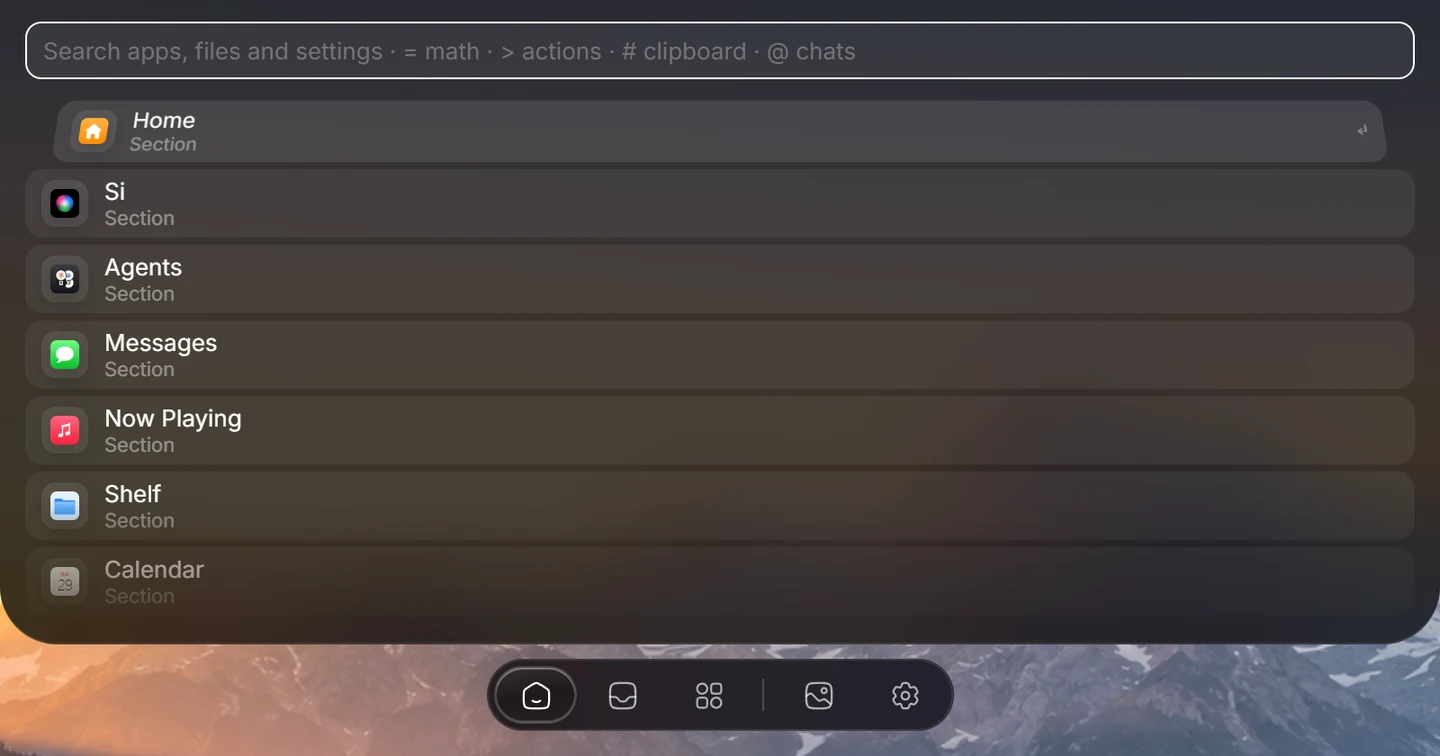
Explore Syllo for Windows or Syllo for Mac for platform features, requirements and downloads.
Which to choose
- If your work depends on particular Raycast extensions, stay with Raycast or check each one first. Syllo doesn't run them.
- If you want the launcher alongside a file shelf, screenshots, recordings and agent activity at the top of the screen, try Syllo.
- Syllo can bring in quick links, snippets and notes from another launcher's local backup. See Launcher.
- Syllo has no Intel Mac build.
Questions
Does Syllo run Raycast extensions?
No. Syllo uses its own built-in tools and supported integrations. Check any workflow that depends on an extension before you switch.
Sources and scope
Written by Ray, the developer of Syllo. Syllo workflow descriptions cover version 1.2.0. Interface previews are rendered from the app with sample data and macOS styling. This compares published specifications, not measured performance or hands-on tests of every app. Publisher sources were checked on . Prices, trials and supported hardware can change; confirm them with the publisher before buying.
- Raycast: launcher and platform features
- Raycast for Windows
- Raycast: getting started
- Syllo pricing and supported installers
Next steps
Download Syllo, check plans and pricing, or read the installation guide.