
Short answer
There is no official Dynamic Island for Linux, but open-source projects come close. On GNOME, Isle and NexNotch are extensions that turn the top bar into a notch that opens into a small panel. On Sway, Hyprland and other wlroots-based Wayland compositors, Dynisland is a configurable island bar. All three are free.
At a glance
| Isle | NexNotch | Dynisland | |
|---|---|---|---|
| Desktop | GNOME Shell 46 to 51, on 64-bit Intel or AMD PCs | GNOME Shell 49 or 50, Wayland and X11 | Compositors that implement wlr-layer-shell |
| What it shows | Music with synced lyrics, calls, notifications, a focus timer, reminders, calendar, a clipboard shelf, Claude Code and Codex approvals | System stats, Google Calendar and Tasks, weather, a Pomodoro timer, notes, a file shelf, quick toggles | Modules you configure: animated, themeable with CSS, extensible in Rust |
| Install | An install script from its repository | From source; listed as pending review on extensions.gnome.org | cargo, or the AUR on Arch Linux |
| License | GPL-3.0 or later | GPL-3.0 or later | MIT |
| Status | Active | Active | Early development; expect breaking changes |
The projects
Isle (GNOME)
Isle turns the centre of the GNOME top bar into a black notch. At rest it shows the time and what is going on, such as a song or a timer; rest the pointer on it and it opens into a panel with a page for each tool. Volume, charging and notification alerts appear in the same place. It is the closest match to a full desktop notch app on Linux, including approvals for Claude Code and Codex.
NexNotch (GNOME)
NexNotch replaces the GNOME top-bar clock with a notch-shaped pill that expands on hover (or Super + N) into tabs for system stats, calendar and tasks through GNOME Online Accounts, weather, a Pomodoro timer, notes, a file shelf and quick toggles. Notifications show as a short peek inside the pill.
Dynisland (wlroots compositors)
Dynisland is a GTK4 bar written in Rust and designed to look and feel like the Dynamic Island. It runs on compositors that implement wlr-layer-shell, supports several monitors, and is themed with CSS. Its authors describe it as early development, so the configuration format may change.
extensions.gnome.org also lists smaller island-style extensions, mostly for music. Check which GNOME Shell versions each one supports before installing.
Which to choose
- On GNOME with a recent Ubuntu or Fedora, and you want the most tools, including coding-agent approvals: Isle.
- On GNOME 49 or 50, and you live in Google Calendar and Tasks: NexNotch.
- On Sway, Hyprland or another wlroots compositor, and you like configuring your bar: Dynisland.
- On KDE Plasma: we didn't find a maintained notch widget when this page was checked.
Where Syllo fits
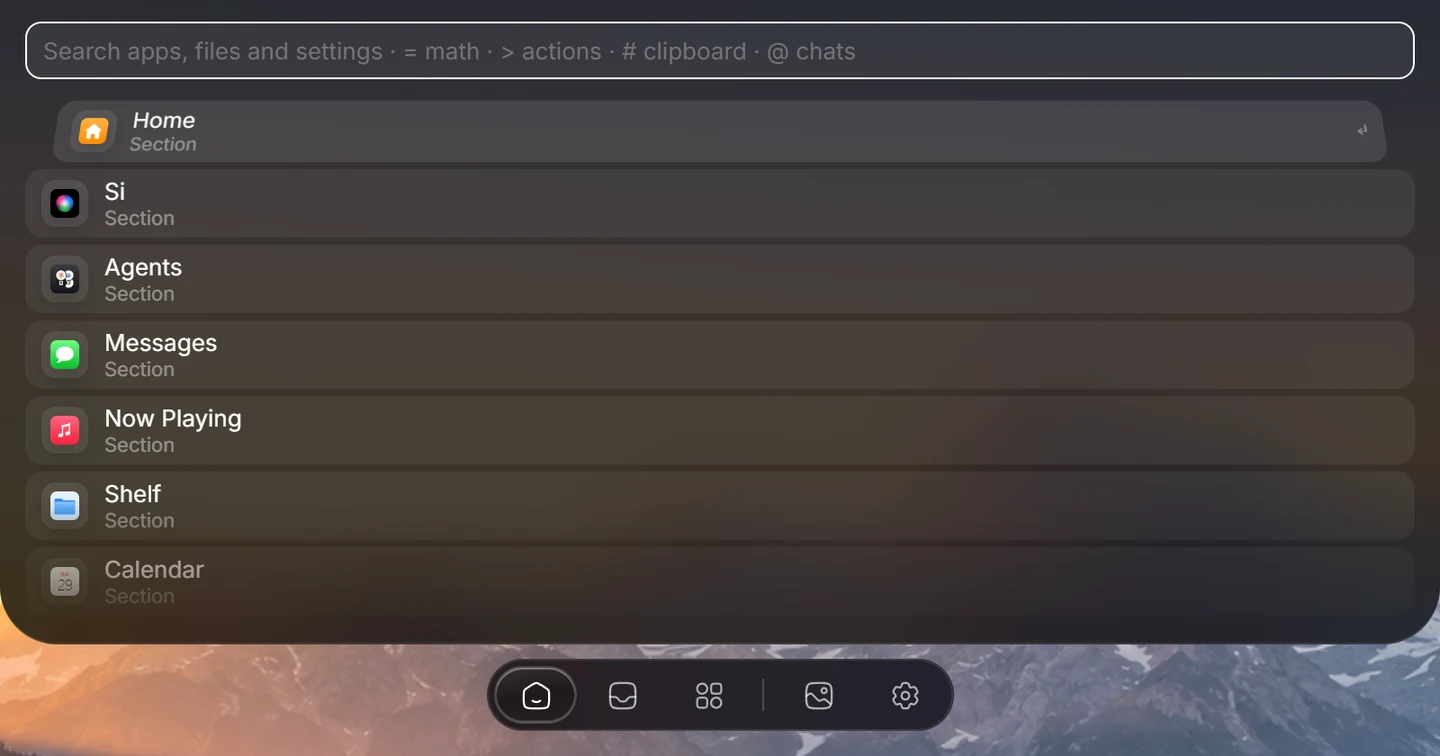
Syllo is a paid Dynamic Island and notch app for Windows 10 and 11 and Apple Silicon Macs: music, a file shelf with on-device conversion, clipboard history, scrolling screenshots, a launcher, notes and coding-agent activity at the top of the screen. If you also use Windows or a Mac, the same account works on either, on one computer at a time. There is no Linux build, and this page doesn't announce one.
Questions
Is there a Dynamic Island for Linux?
Yes, as open-source projects. Isle and NexNotch are GNOME Shell extensions that turn the top bar into a notch, and Dynisland is a GTK4 bar for wlroots-based Wayland compositors. Syllo itself does not run on Linux.
Does Syllo work on Linux?
No. Syllo has builds for 64-bit Windows 10 and 11 and for Apple Silicon Macs only. There is no Linux build.
Is there a dynamic notch for KDE Plasma?
We did not find a maintained Plasma widget when this page was checked. The projects here target GNOME Shell or wlr-layer-shell compositors such as Sway and Hyprland, not Plasma.
Do I need a screen with a notch to use one on Linux?
No. These projects draw the notch themselves at the top of the screen, so any monitor works.
Sources and scope
Written by Ray, the developer of Syllo. This summarises what each project publishes about itself; it is not a hands-on test or a performance comparison. Sources were checked on . Open-source projects change quickly: check each repository for current requirements before installing.
Other product names are trademarks of their respective owners and are used here only to identify those products. Syllo is an independent product and isn't affiliated with, endorsed by or sponsored by any of them.